Category Tools
Easy to start, but they turn rigid the moment your workflow gets specific.
Rigidity
DGlide is a no-code platform for operations teams: it runs field service, CRM, ITSM, and process management apps on one shared backbone, set up around your workflows from day one and changed as your business changes.
 Ready systems, not blank templatesConfigurable workflows, approvals, and dashboardsContinuous fit through the Living Service Model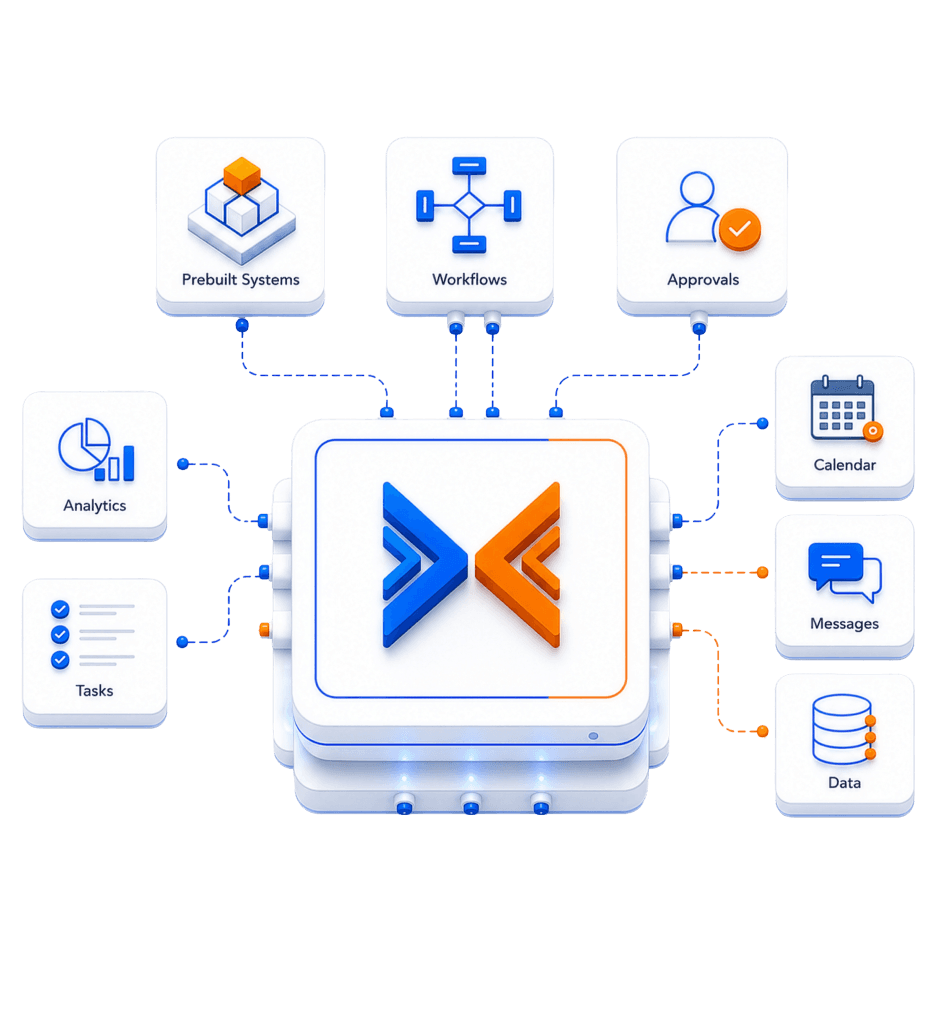
Every kind of operations software gets one thing right and forces a tradeoff for it. DGlide is built to start working and keep adapting, without the tradeoff.
Easy to start, but they turn rigid the moment your workflow gets specific.
RigidityBroad in scope, but heavy, complex, and built around their own ecosystem.
Complexity & WeightFits well at first, but you own the timeline, the upkeep, and the risk forever.
Ownership BurdenFlexible, but you still have to design, build, and maintain the whole system.
Build BurdenDGlide is a no-code platform for operations that runs multiple business systems from one shared backbone. You start with a ready system, then adapt it to your workflows. Its AI engine can also turn a flow diagram or written requirement into a working no-code app, checked by a second AI and tested in a sandbox before it goes to production.
Start with systems built for real operations, not blank templates.
Shape workflows, forms, approvals, SLAs, dashboards, and roles.
Keep the system aligned after go-live through DGlide's Living Service Model.
Every DGlide system runs on the same backbone, so your tools share one data layer, one set of workflows, and one place to manage it all.
Pre-built operational systems, ready to configure and run.
Shape workflows, forms, approvals, SLAs, dashboards, and roles to match how you work.
One shared data layer that connects your systems and integrates with the tools you already use.
Keeps the platform aligned to your operations after go-live, adapting as your workflows change.
DGlide is not one product. It is a connected stack of capabilities behind every app you run on it.
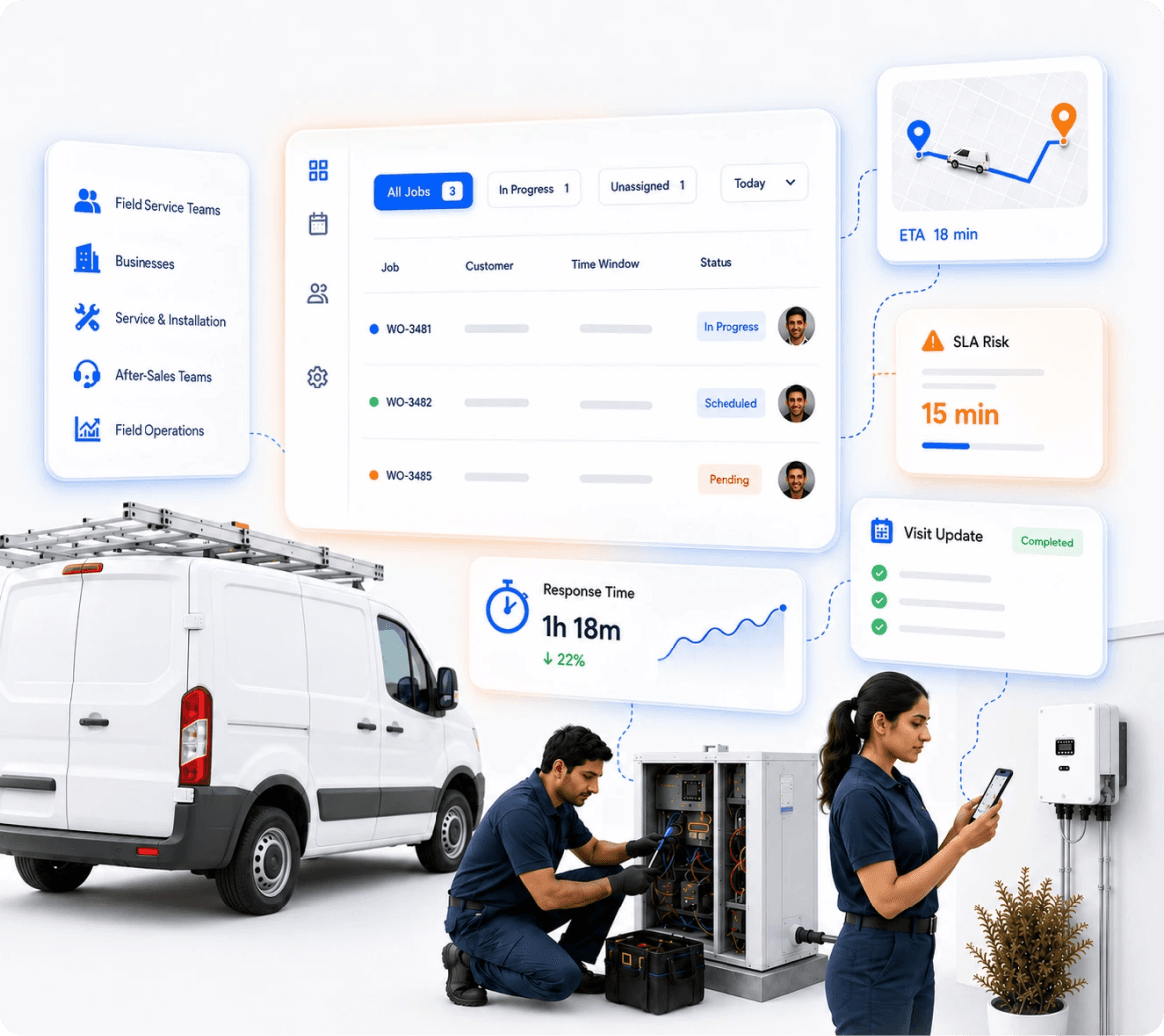
Installation and after-sales teams running work orders, scheduling, and SLAs across the field, where missed updates cost real jobs.
 Fits Your Service Workflow: Work orders, scheduling, and SLAs match how your service team actually runs.Visibility Across the Field: See where every job and technician stands, without making a call.
Run different parts of your operation on one backbone.
Manage service requests, work orders, technicians, and closure workflows.
Connect customer data, relationship workflows, tasks, and follow-ups.
Run requests, tickets, approvals, SLAs, and internal service flows.
Track visits, routes, orders, field activity, and reporting.
Structure multi-stage workflows, task dependencies, and operational visibility.
Fast to start, fixed forever. Your process has to bend to it.
Built for the largest organizations, and priced and paced for them too.
A toolkit, not a system. The operational design is still your problem.
Built to fit, then yours to maintain forever. You become the software company.
Fast to generate, slow to trust. A prototype is not a production system.
Real, daily improvements across how your operation runs, not just another tool to manage.
See every job, request, and exception live, so nothing moves without you knowing.
Service, sales, and operations work off one system, so handoffs stop falling through the gaps.
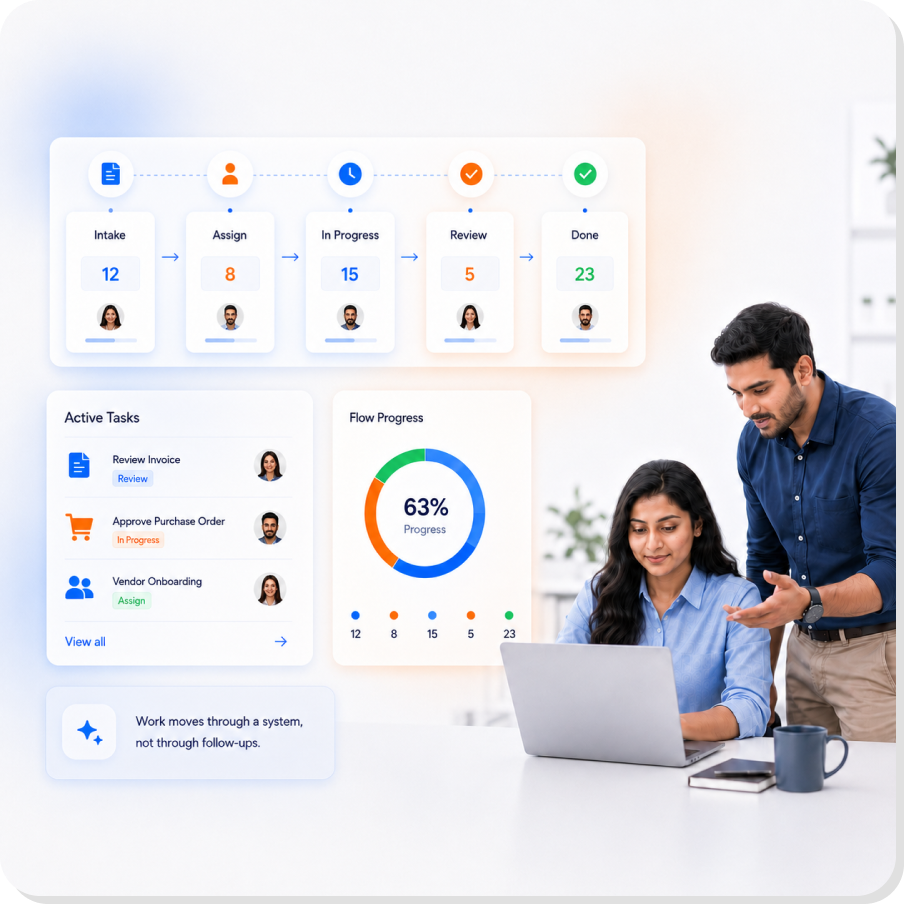
Work moves through clear stages and owners, so things get done instead of stalling.
Start on a working system and go live in weeks, not a multi-quarter build.
Get custom-level operations without a dev team, a backlog, or software to maintain.
When your process changes, the system is reconfigured to match, with no rebuild.
Built to run real business workflows every day, with the reliability a live operation depends on.
Drive work through the system as it happens, so execution stays in your control, not in follow-ups.
Live
Status Updates
Every Stage
Has an Owner
Connect to the CRM, ERP, and tools you already run, so DGlide extends your stack instead of replacing it.
Service, sales, and operations run on one backbone, so work and handoffs stay connected from request to closure.
DGlide works with your existing business environment instead of replacing everything at once.
“We were spending lakhs to generate leads, then losing them because nobody saw the alert in time.”
With one system tracking every lead, project, and complaint, response times collapsed and almost nothing slipped.
0X
More Leads Tracked
0 min
Response Time, from 40+
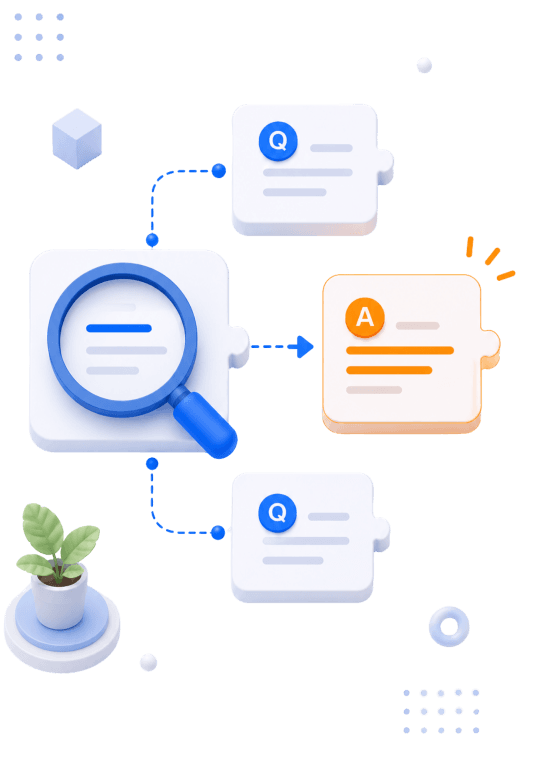
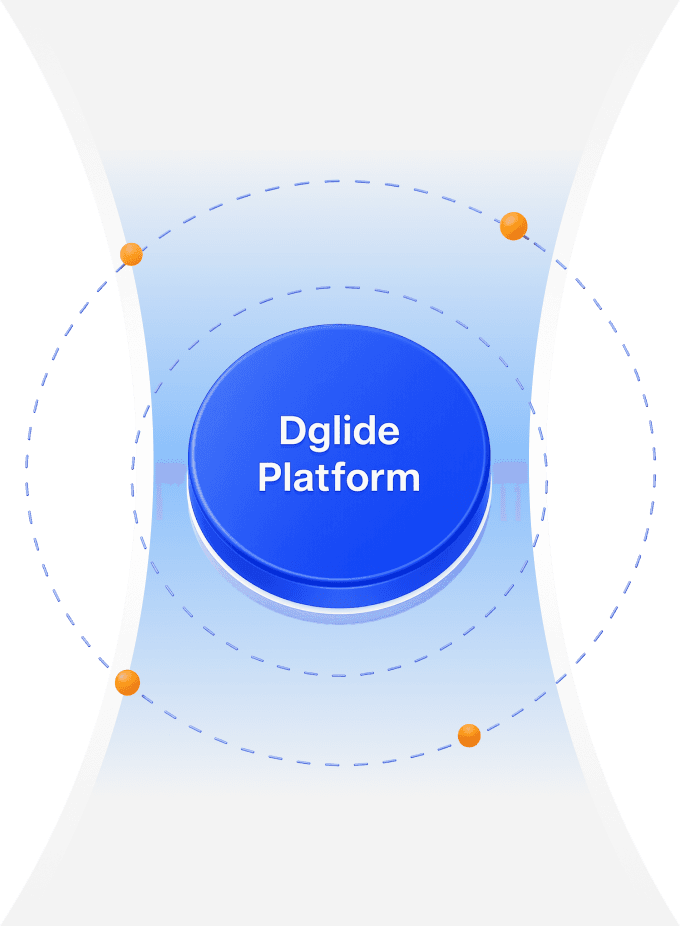
The DGlide platform is a no-code platform for operations teams. It runs field service, CRM, ITSM, and process apps on one shared backbone. Each app starts ready to run. It is then configured around how your teams work.




 Deploy
 Use
Use Adapt
Adapt Improve